Your cart is empty.
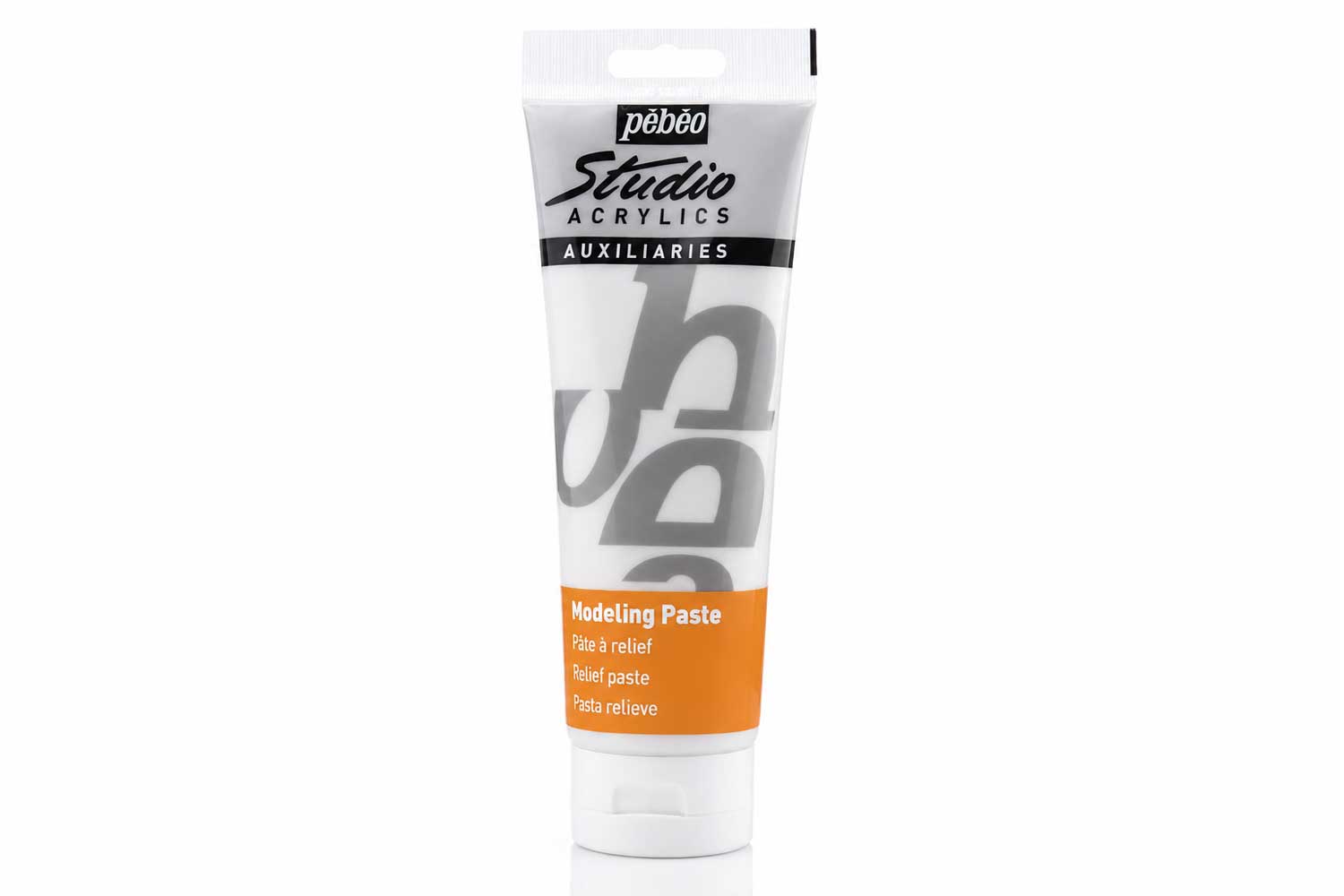
Modeling Paste by Pébéo
Modeling Paste by Pébéo
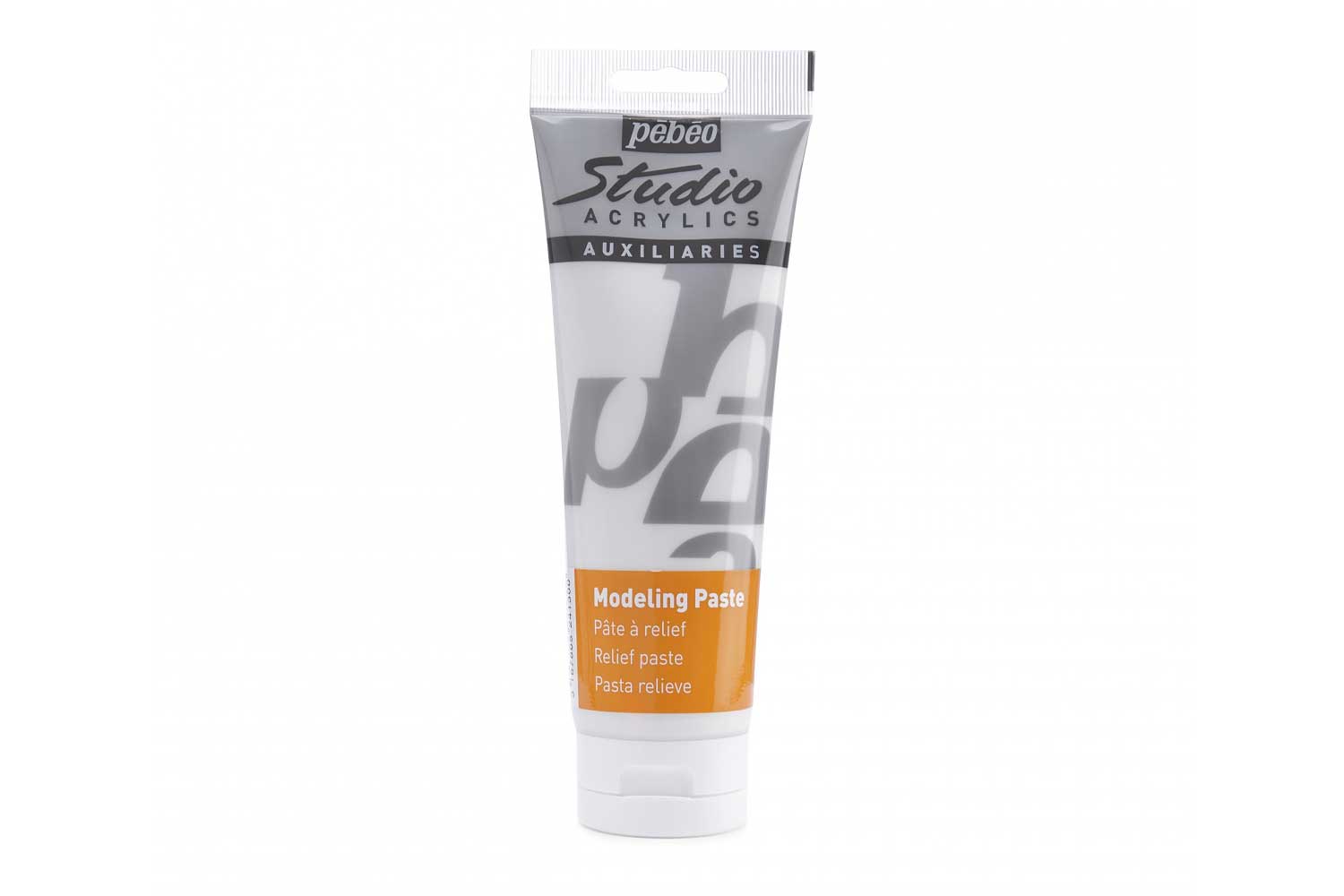
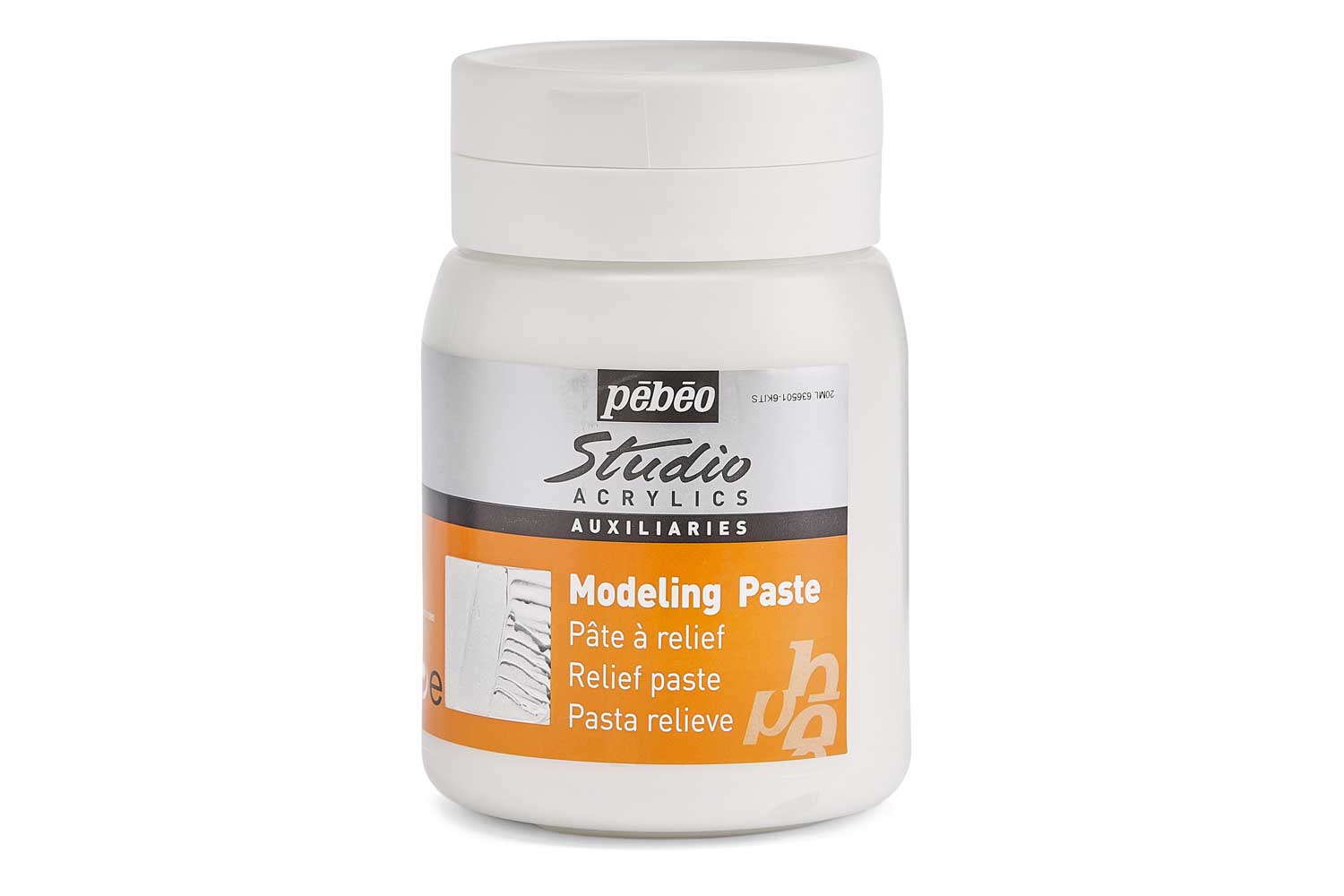
Available in 250 ml or 500 ml sizes
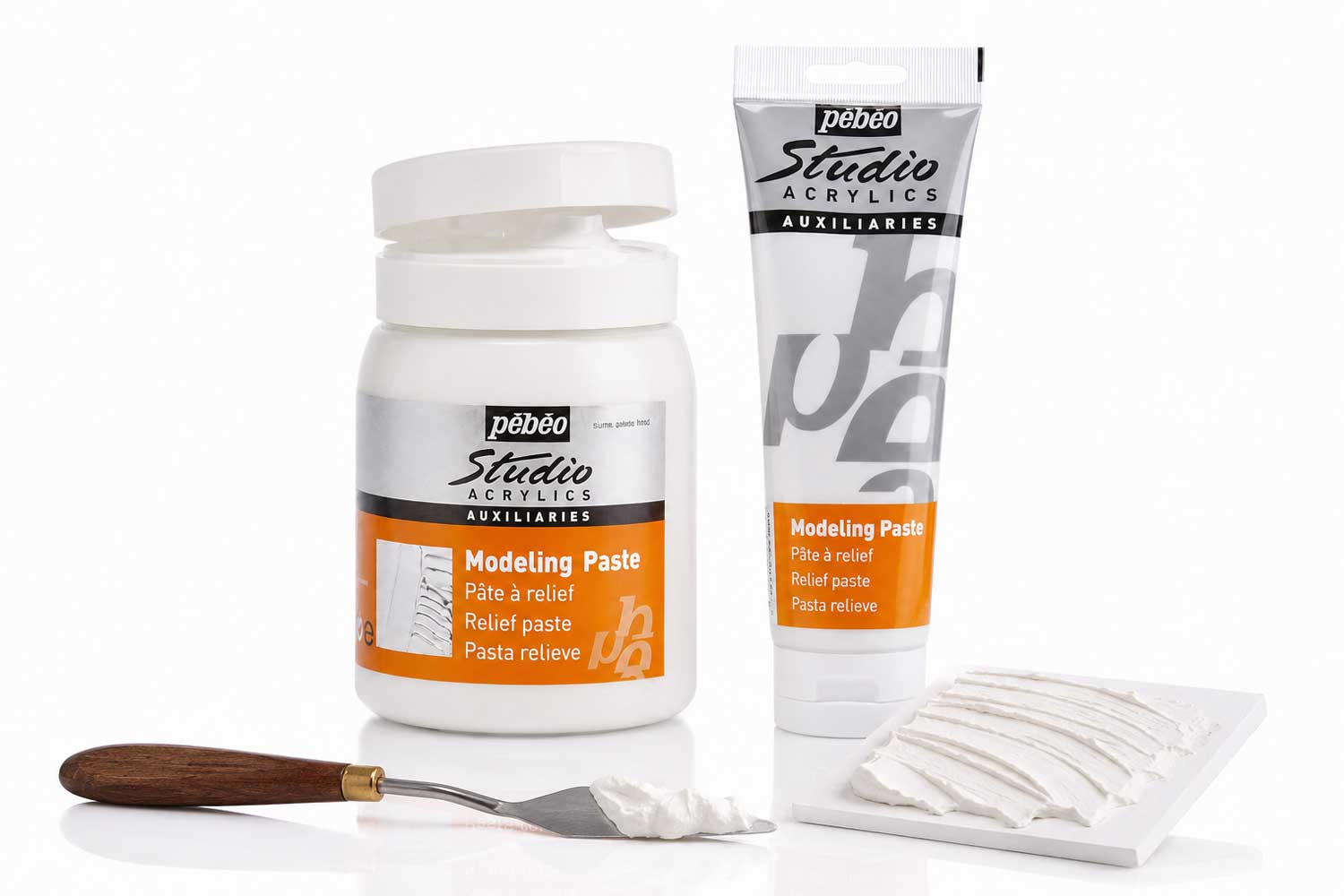
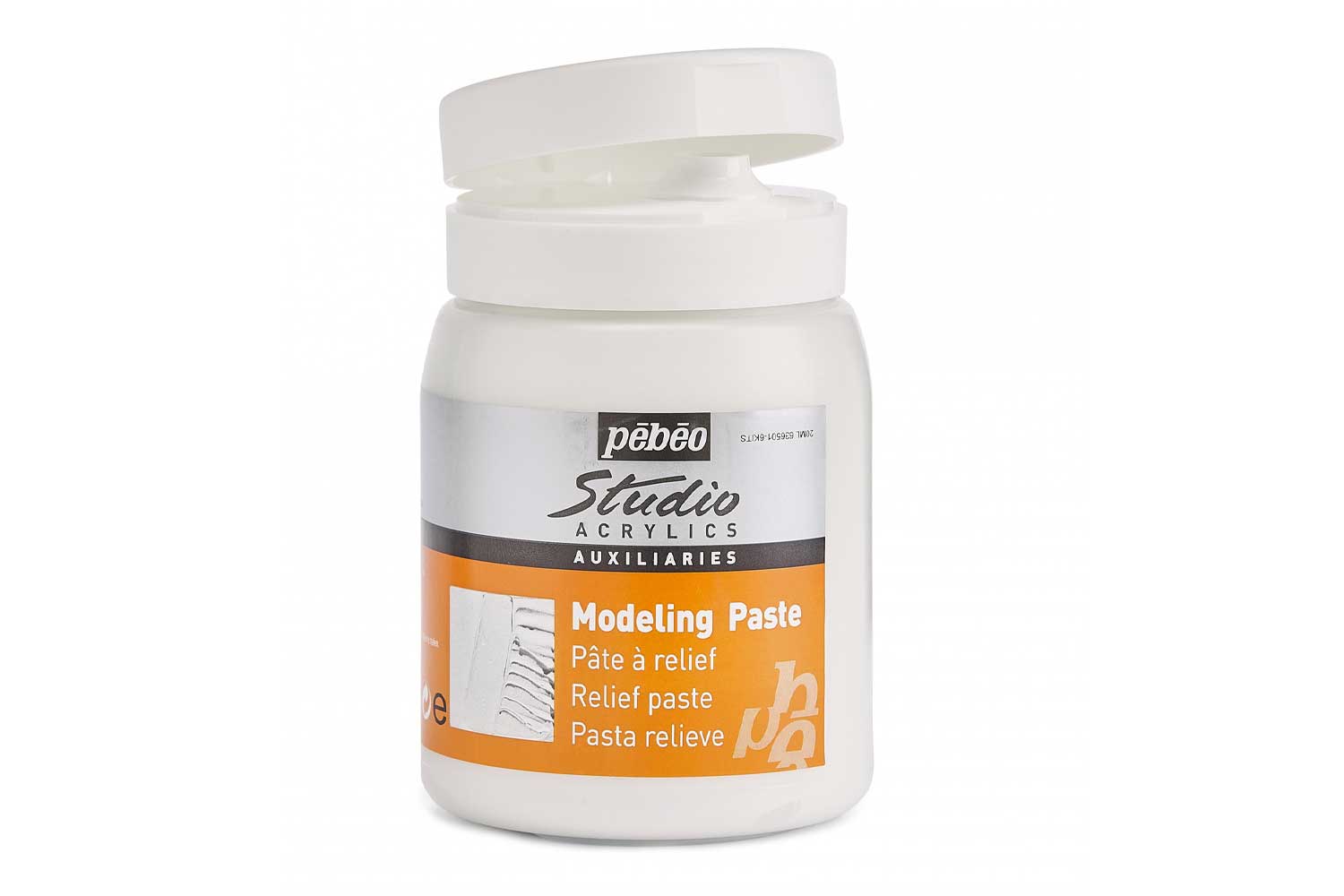
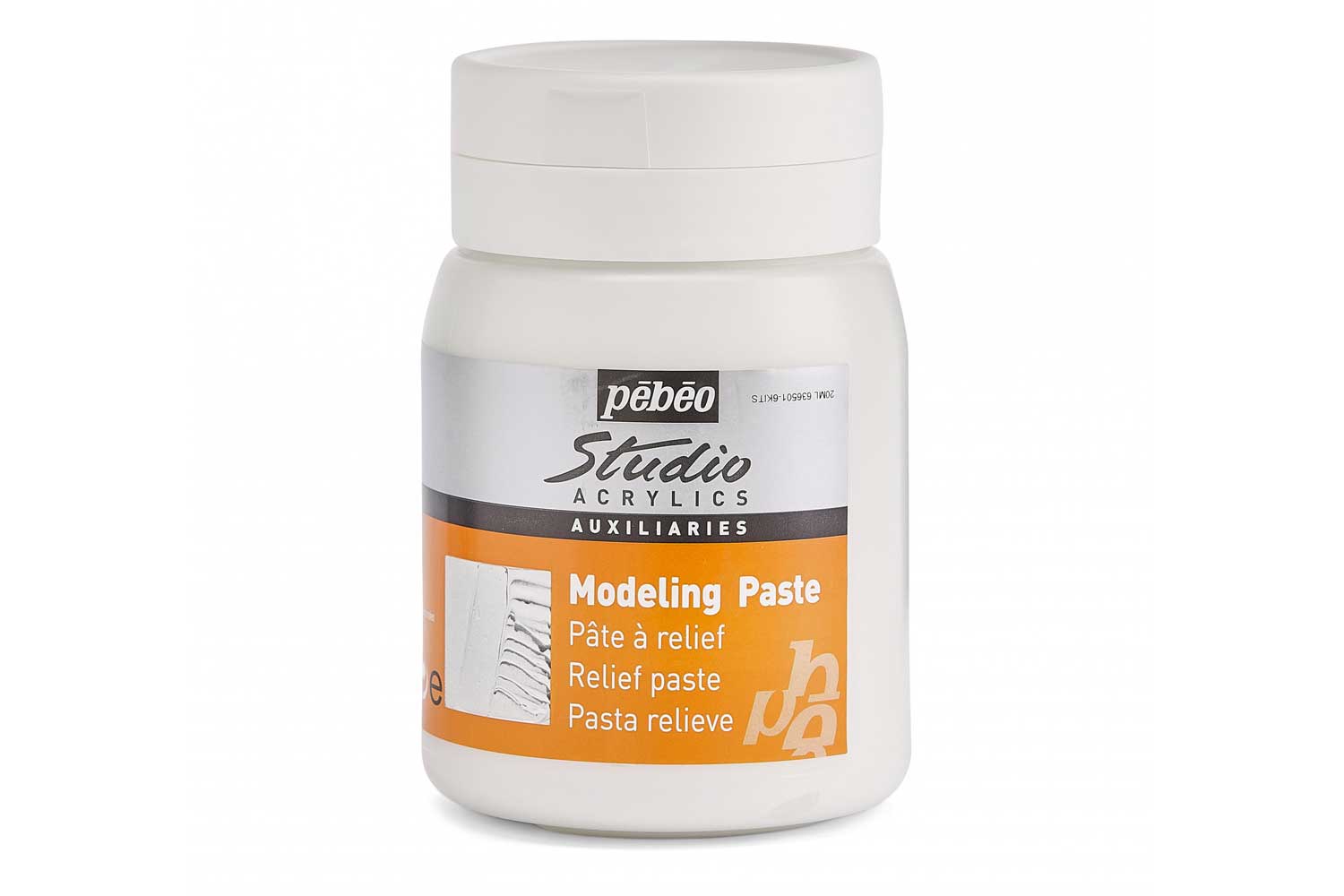
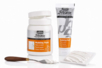
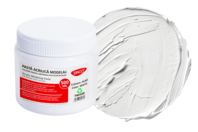
Pébéo Studio Acrylics Modeling Paste is a white acrylic texture paste that adds three-dimensional effects to your painting. This thick, mouldable paste creates volume, relief and texture on your surface before you start painting.
Once dry, the paste becomes hard, white and slightly absorbent. It acts like a prepared base, ready for painting with acrylics, oils, gouache, pencils or pastels. You can also sand it to soften sharp reliefs or create contrasts between smooth and textured areas.
What you can do with it
- Build texture on backgrounds: Apply with a palette knife or spatula to create thick layers, grooves, striations or uneven surfaces that catch the light.
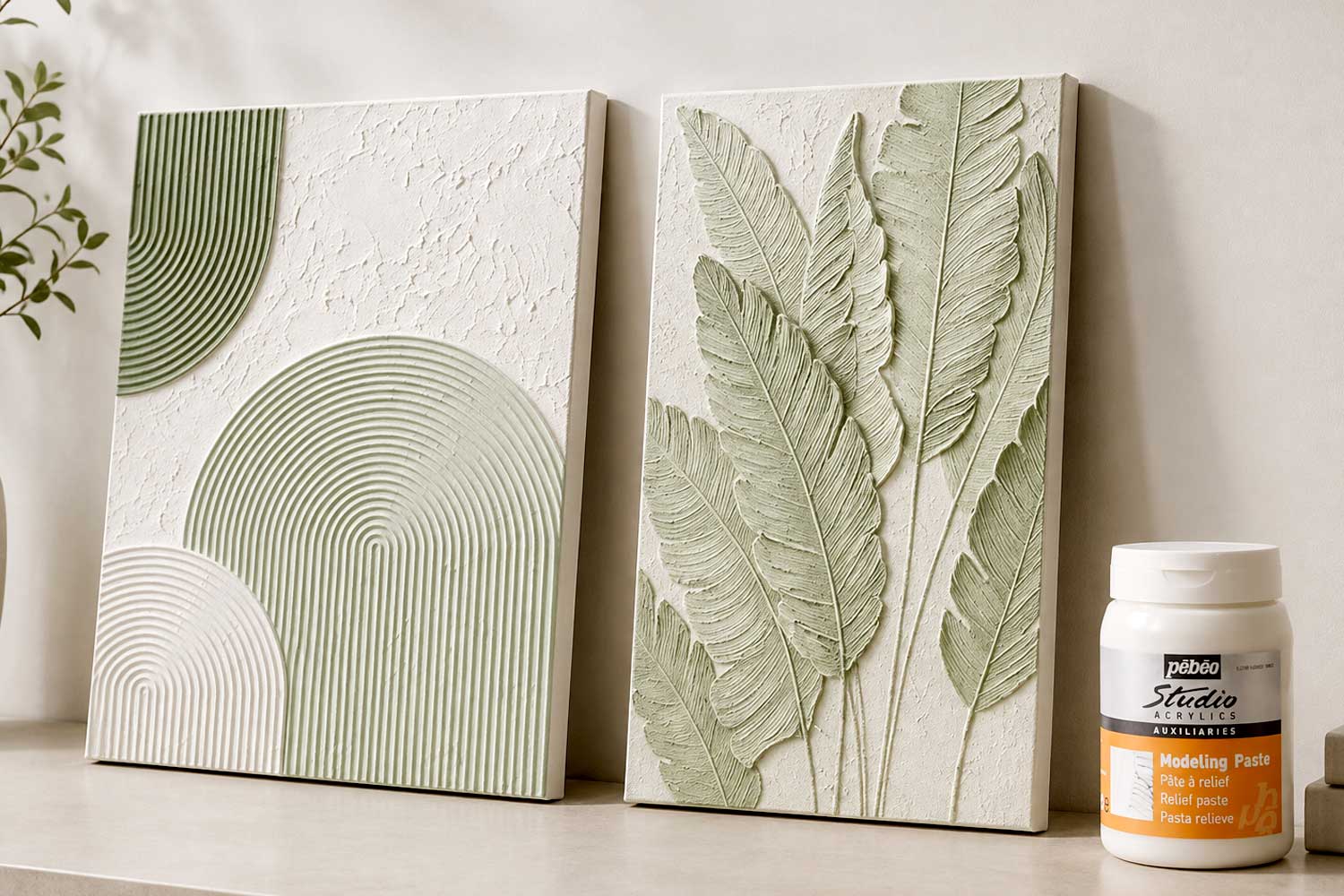
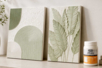
- Create textures: Paint, scratch, stamp or press objects into the fresh paste. Examples include fabric, leaves, sponges or combs. Each tool leaves a unique mark.
- Thicken acrylic paint: Mix with colour to give acrylic paint more body and achieve an oil paint-like effect without extending drying time excessively.
- Repair and level surfaces: Fill dents, smooth uneven supports or prepare wooden panels.
Can you mix it with paint? Yes. Mixing it with acrylic paint thickens the paste and lets you work in coloured relief directly. The white paste slightly lightens the colour.
How long does it take to dry? A thin layer dries in a few hours. Thick reliefs may take 24 hours or more. Apply several thin layers rather than one thick one to avoid cracking.
How do you clean your tools? Clean immediately after use with water. Once dry, the paste is insoluble.
Description
Pébéo Studio Acrylics Modeling Paste is a white acrylic texture paste that adds three-dimensional effects to your painting. This thick, mouldable paste creates volume, relief and texture on your surface before you start painting.
Once dry, the paste becomes hard, white and slightly absorbent. It acts like a prepared base, ready for painting with acrylics, oils, gouache, pencils or pastels. You can also sand it to soften sharp reliefs or create contrasts between smooth and textured areas.
What you can do with it
- Build texture on backgrounds: Apply with a palette knife or spatula to create thick layers, grooves, striations or uneven surfaces that catch the light.
- Create textures: Paint, scratch, stamp or press objects into the fresh paste. Examples include fabric, leaves, sponges or combs. Each tool leaves a unique mark.
- Thicken acrylic paint: Mix with colour to give acrylic paint more body and achieve an oil paint-like effect without extending drying time excessively.
- Repair and level surfaces: Fill dents, smooth uneven supports or prepare wooden panels.
Can you mix it with paint? Yes. Mixing it with acrylic paint thickens the paste and lets you work in coloured relief directly. The white paste slightly lightens the colour.
How long does it take to dry? A thin layer dries in a few hours. Thick reliefs may take 24 hours or more. Apply several thin layers rather than one thick one to avoid cracking.
How do you clean your tools? Clean immediately after use with water. Once dry, the paste is insoluble.
You might also like You might also like



Customer review
Give your feedback
Modeling Paste by Pébéo
Be the first to share your review of this product.
Post a review