Your cart is empty.
Medium Image Transfer

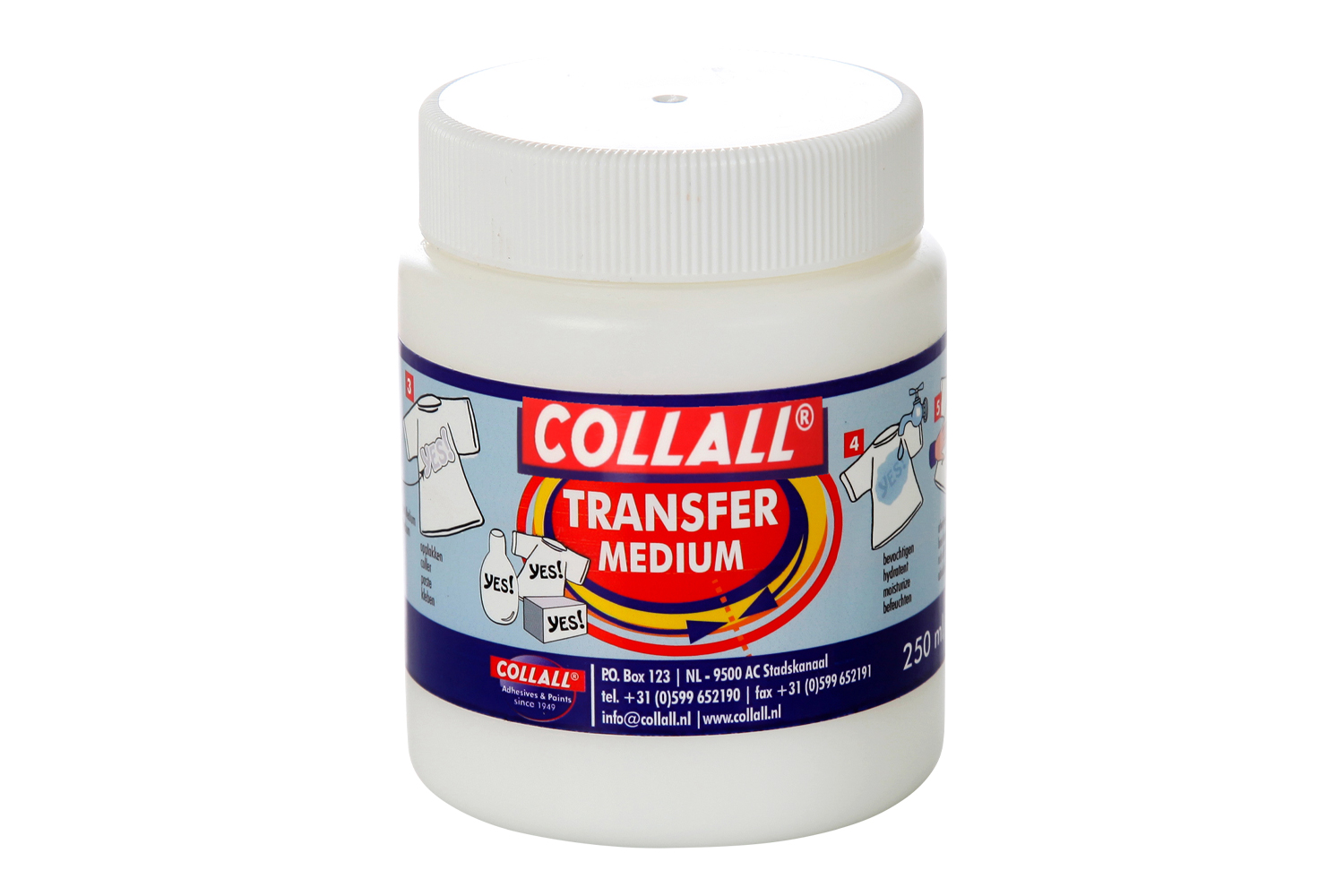


Medium Image Transfer
Capacity: 250 ml
This transfer medium allows you to transfer the image of your choice onto a surface. Its liquid texture dissolves the ink from a print and transfers it to another surface. For optimal results, choose a clear surface that highlights the colors of your print, as well as a slightly porous surface (wood, canvas, etc.) to ensure the transfer adheres perfectly.
With this varnish/medium, transfer a photo or an image from a magazine onto a surface such as fabric (T-shirt, apron, etc.), a candle, a wooden object, or any other surface.
Instructions:
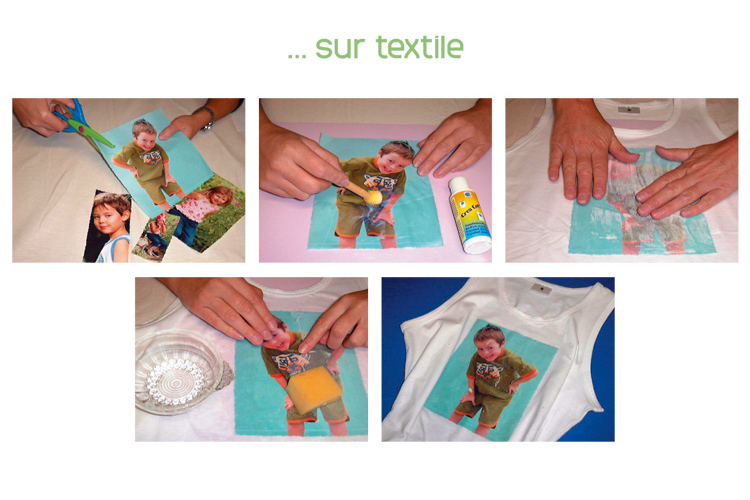
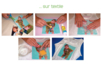
- Make a color or black-and-white photocopy of your document using a laser printer, then coat the printed side with 4 crossed layers of Créa Copy (allow the product to dry between each layer).
- Apply the photo to the surface (printed side against the surface) and apply a layer of Créa Copy on the photocopy. Gently rub the print against the surface to embed the photo into the surface.
- Once the image is transferred and dry, gently moisten the paper with a sponge, then gradually remove the paper layer by rubbing with your finger. Allow to dry for 30 minutes. If necessary, repeat this process until all the paper is removed.
The transfer is complete. In the case of fabric surfaces, allow to dry for 72 hours before washing (wash inside out, by hand, and in cold water).
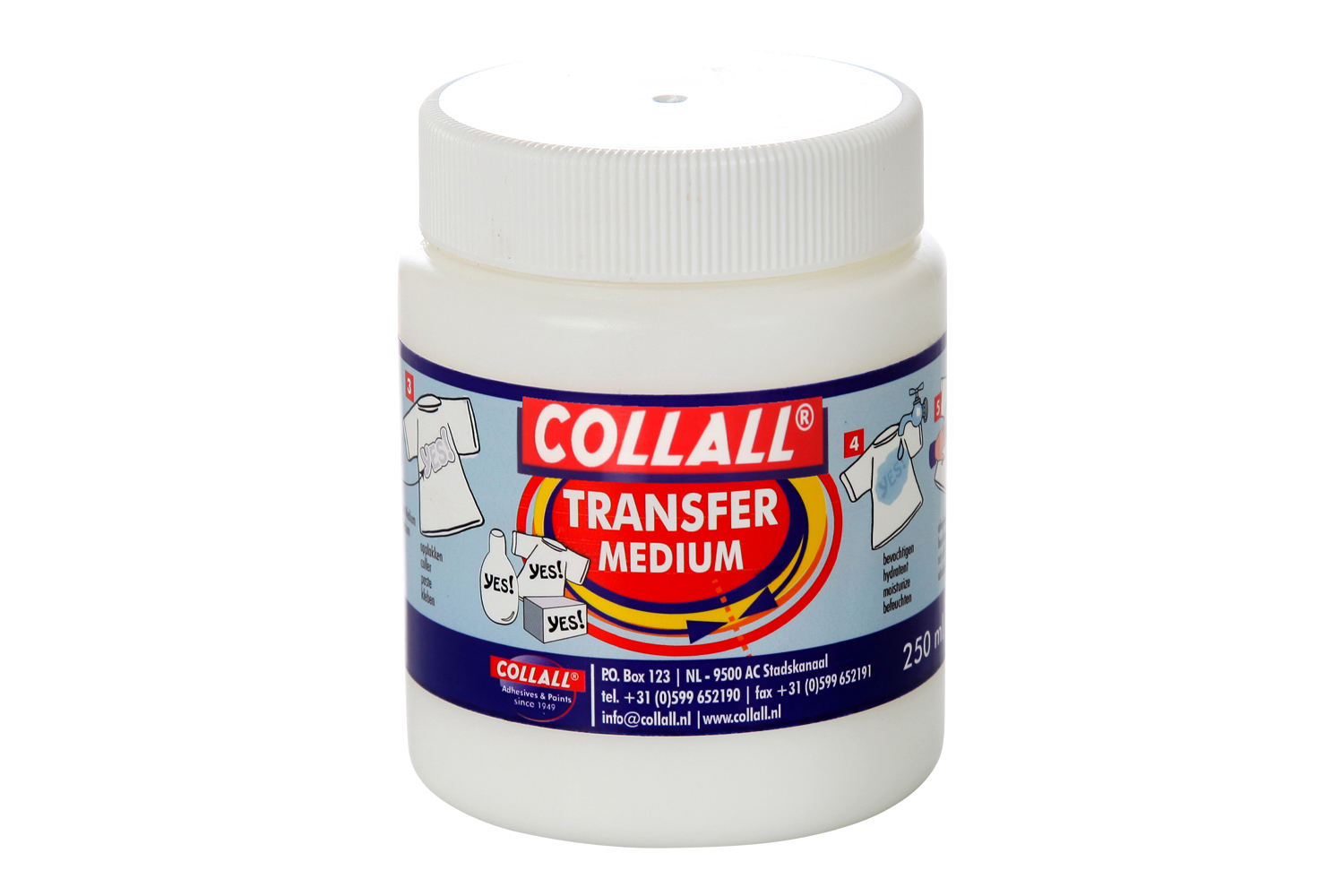
Create Photo Transfer 250 ml
Réf 40036
12,99€
Unavailable
Description
This transfer medium allows you to transfer the image of your choice onto a surface. Its liquid texture dissolves the ink from a print and transfers it to another surface. For optimal results, choose a clear surface that highlights the colors of your print, as well as a slightly porous surface (wood, canvas, etc.) to ensure the transfer adheres perfectly.
With this varnish/medium, transfer a photo or an image from a magazine onto a surface such as fabric (T-shirt, apron, etc.), a candle, a wooden object, or any other surface.
Instructions:
- Make a color or black-and-white photocopy of your document using a laser printer, then coat the printed side with 4 crossed layers of Créa Copy (allow the product to dry between each layer).
- Apply the photo to the surface (printed side against the surface) and apply a layer of Créa Copy on the photocopy. Gently rub the print against the surface to embed the photo into the surface.
- Once the image is transferred and dry, gently moisten the paper with a sponge, then gradually remove the paper layer by rubbing with your finger. Allow to dry for 30 minutes. If necessary, repeat this process until all the paper is removed.
The transfer is complete. In the case of fabric surfaces, allow to dry for 72 hours before washing (wash inside out, by hand, and in cold water).
You might also like You might also like

DIY Tutorials Go from inspiration to creation
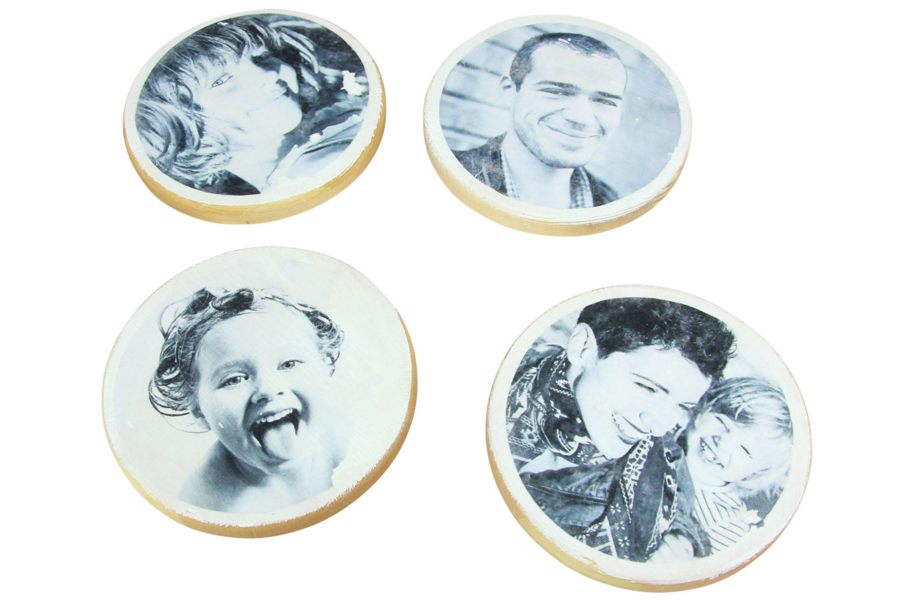
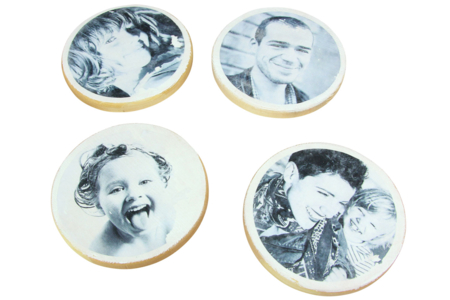
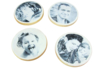
Image Transfer on Coasters
Discover how to transfer your family photos onto wooden coasters.
A technique to try, and one that can be reused on many other surfaces: glass, plastic... Personalize items with your own photos or designs, and give unique gifts to your loved ones !
Note: the image transfer medium is ...
See more tutorials in the theme "Handicrafts Home Decor DIY"
Your creations with this product
Melyoyo
4 like(s)


No issues with the transfer.
Aucun soucis avec pour le transfert.